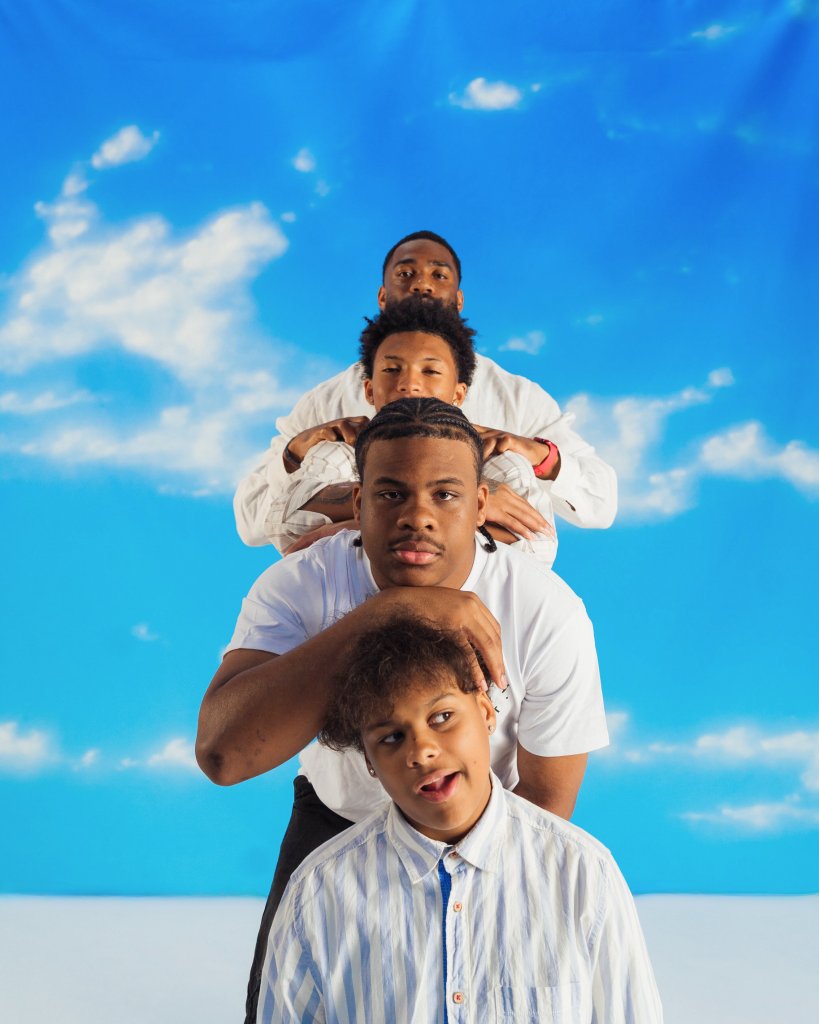
A professional photography shoot is a significant investment. Here's how to maximize value and minimize disruption.
Before You Schedule
1. Define Your Campaign Goals
What are you trying to accomplish?
- Annual fund campaign
- Capital campaign launch
- Grant application season
- Website/brand refresh
- Multi-year visual asset building
Why this matters: Goals determine shoot scope and style.
2. Review Your Current Assets
Audit existing photography:
- What's still usable?
- What gaps exist?
- What's outdated?
- What permissions do you have?
Outcome: Focused shot list, no redundant coverage.
3. Budget Appropriately
Consider:
- Shoot days needed
- Usage rights and licensing
- Post-production deliverables
- Video components if relevant
Typical campaigns: $12,000-25,000 for comprehensive coverage
Permission and Release Preparation
6-8 Weeks Before
- Review photo policies - Update if needed for campaign use
- Participant communication - Explain photography purpose and usage
- Consent protocols - Collect releases in advance where possible
- Identify willing participants - Not everyone wants to be photographed
Special Considerations
- Minors require guardian consent
- Some populations need extra sensitivity
- Cultural considerations
- Privacy concerns
Pro tip: Over-communicate about photography purpose and usage.
Scheduling the Shoot
Best Practices
- Regular programming days - Avoid special events unless that's the goal
- Multiple sessions - Capture variety across time/seasons
- Diverse representation - Different programs, participants, locations
- Natural timing - When programming actually happens
Logistics
- Staff availability for coordination
- Participant attendance patterns
- Facility access and restrictions
- Weather considerations for outdoor shots
Shot List Development
Essential Coverage
Program Documentation:
- Participants engaged in activities
- Staff-participant interaction
- Facility and environment
- Materials and resources
- Group dynamics
Organizational Capacity:
- Team collaboration
- Operational systems
- Infrastructure and facilities
- Scale indicators
Impact and Outcomes:
- Participant progress
- Community benefit
- Tangible results
- Before/after when relevant
Specific Requests
Share with photographer:
- Must-have shots for pending applications
- Specific program elements to feature
- Key partnerships to document
- Unique organizational aspects
Day-of-Shoot Preparation
Staff Briefing
- Photography purpose and goals
- Expected disruption (minimal)
- Their role during shoot
- Participant communication points
Participant Preparation
- Natural, not staged behavior
- Regular programming continues
- Photographer will direct minimally
- Opt-out options available
Environment
- Tidy but authentic spaces
- Remove temporary signage/clutter
- Good lighting where possible
- Access for photographer
During the Shoot
Your Role
- Coordinate logistics - Participant flow, space access
- Manage permissions - Track who's photographed
- Provide context - Explain what's happening for photographer
- Stay available - Questions and adjustments
What to Avoid
- Over-directing participants
- Staged or posed scenarios
- Interrupting natural flow
- Excessive cleanup/staging
Remember: Authenticity is the goal.
Post-Shoot Process
Immediate Follow-up
- Thank participants and staff
- Document any permissions still needed
- Note highlights or concerns
- Share feedback with photographer
Review and Selection
- Allow adequate time for editing
- Expect 150-300 deliverables from full campaign shoot
- Organize by campaign use (grants, annual fund, web, etc.)
- Create caption/context document
Asset Management
Essential systems:
- Organized file storage
- Permission documentation linked to images
- Usage guidelines for staff
- Regular access for development team
Maximizing Long-term Value
Multi-year Planning
- Year 1: Comprehensive campaign documentation
- Year 2: Targeted updates and new programming
- Year 3: Refresh key images, capture growth
Benefit: Amortize investment, maintain current materials
Cross-platform Usage
One shoot should serve:
- Grant applications
- Annual reports
- Website and digital
- Print collateral
- Social media
- Presentations
- Media outreach
Common Mistakes to Avoid
- Insufficient planning - Shot lists developed day-of
- Permission problems - Releases collected after shoot
- Staging everything - Loses authenticity
- Rushing coverage - Single shoot day insufficient
- Poor organization - Assets unused because hard to find
Checklist Summary
8 weeks before:
- ☐ Define campaign goals
- ☐ Audit current assets
- ☐ Budget approval
- ☐ Update photo policies
4 weeks before:
- ☐ Schedule shoot dates
- ☐ Begin permission collection
- ☐ Develop shot list
- ☐ Staff communication
1 week before:
- ☐ Confirm participants
- ☐ Verify permissions
- ☐ Prepare spaces
- ☐ Final logistics coordination
Day of:
- ☐ Staff briefed
- ☐ Participants prepared
- ☐ Environment ready
- ☐ Coordinator available
After:
- ☐ Thank participants
- ☐ Document process
- ☐ Review deliverables
- ☐ Organize assets
Ready to Plan Your Campaign Photography?
Let's discuss your specific needs and develop a shoot plan that maximizes value for your organization.